

 Xero - Company AXero - Company B
 Slack / Team
Connect multiple logins
Connect multiple accounts across your business apps. Bring different teams, companies, and workspaces into one chat without disconnecting and reconnecting.
Explore accountsYour business tools and knowledge in AI, with access you control.
Done for you setup
Let us help with the setup. We’ll connect your business tools to Atso with you, then show you how to use them in your AI chat.
Book a setup call30 minutes with our team
Tell us what you use and what you want to ask your AI.
We’ll help you connect supported accounts and your AI chat.
We’ll walk through a question that matters to your business.
Choose which apps each person can use and what they can view or change.
Xero - Company AXero - Company BSlack / TeamConnect multiple accounts across your business apps. Bring different teams, companies, and workspaces into one chat without disconnecting and reconnecting.
Explore accountsGive AI the know-how to use more of your tools’ features. Find information, compare results, and take the next step.
See how it worksXeroSlack DriveKnowledge
Find answers in the right tools, accounts, and company knowledge—without telling AI where to search. Your permissions apply.
Explore connectionsChoose a service from the directory or add a remote MCP server your team has built. An admin connects it once, then everyone in your workspace can use its tools through Atso.
Add a connectionShare what your team learns across every AI conversation.



Your tools. Your team. Your permissions.
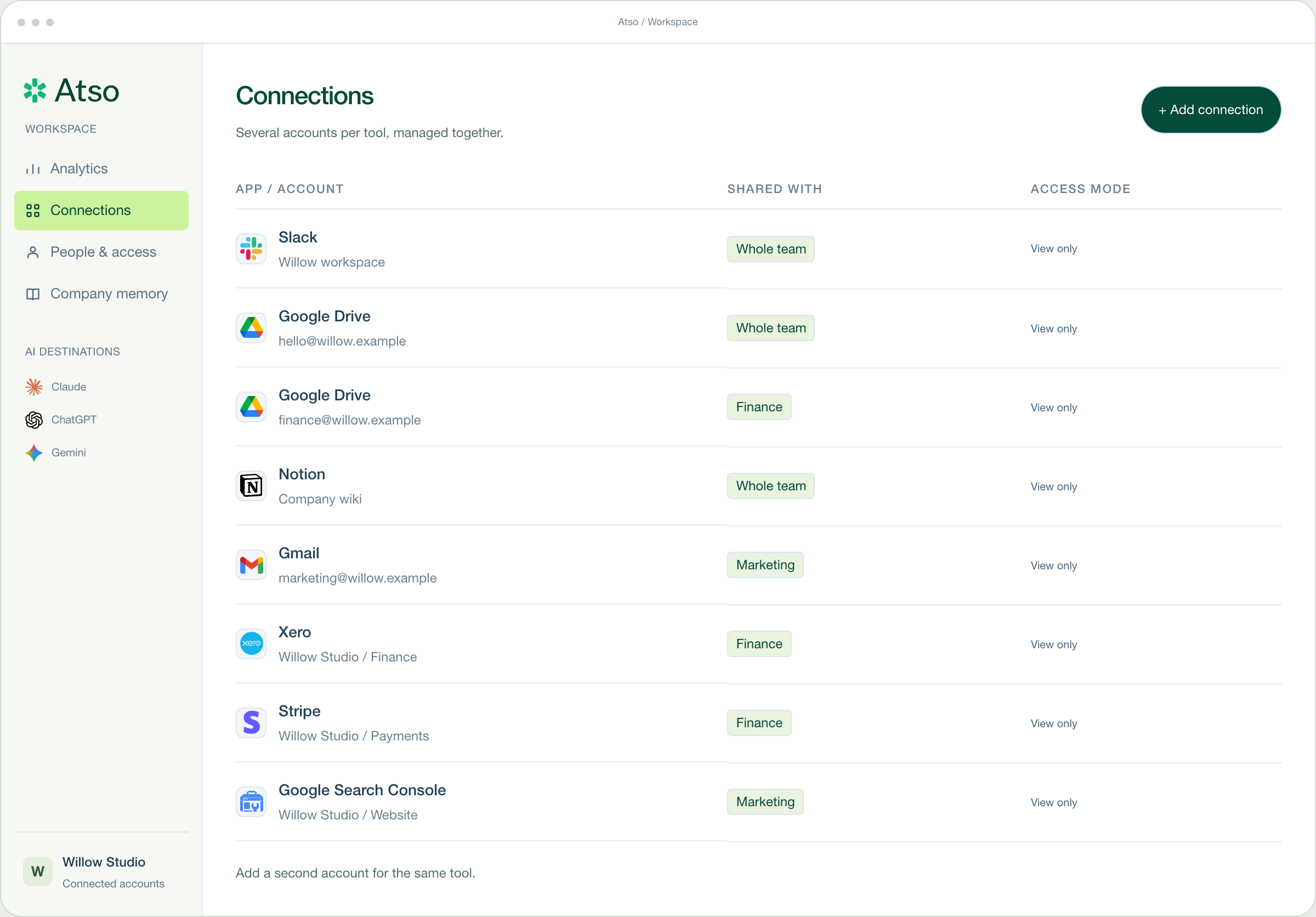
Your connected workspace at a glance.
Tool usage will appear here once activity is available.
Several accounts per tool, managed together.
| App / account | Shared with | Access mode |
|---|
No connections match your search.
Add a second account for the same tool.
Select a team, then change its access to a resource.
Marketing can edit campaign files. Finance documents stay private.
Demo changes stay in this page. They do not modify real permissions.
Useful context, with a way back to the source.
Open a memory to inspect its source. Private conversations are not automatically company knowledge.
No. Atso is one MCP connection, so it works with the AI chats that support MCP connectors, including ChatGPT, Claude, and Gemini. You connect your accounts once in Atso, then paste one address into the chat you already use. Availability depends on the AI app and plan.
Yes. That is what Atso is built for. Today you can connect several Xero organisations, one consent each, and read them in the same conversation. Xero’s own connector reaches one organisation at a time, so you no longer have to disconnect one to use another.
Atso builds connections for apps without an MCP, and expands what limited MCPs can do. Infusion is one we built ourselves, because its vendor publishes no MCP server. What’s possible depends on the app’s API and permissions. Tell us which app you need so we can confirm support.
You’ll choose which apps and accounts each person or team can access, and whether they can only view information or also make changes. Connecting an account won’t mean giving everyone in the company the same access.
Useful context such as company processes, reporting definitions, project decisions, and brand guidance. The goal is to make that knowledge available to the right people in their AI chats, so your team spends less time explaining the same things again.
Shared company knowledge is intended for information approved for sharing. It is separate from private chat history and an AI app’s own memory; those won’t automatically transfer between chats.
No. You sign in with an emailed link, connect your accounts in Atso, then paste one address into your supported AI chat. Atso runs the connection layer for you. An app with unusual requirements may need a custom integration.
Yes, for the connectors that are live. Seven work today at app.atso.ai: Xero, Shopify, Infusion, Unleashed, Google Search Console, Capsule and Cin7. Every one of them reads and none of them writes. The workspace shown on this page is still a static preview. Contact us with the apps your team uses and we will confirm what is supported.

Connect your tools, control every access.
Try it
